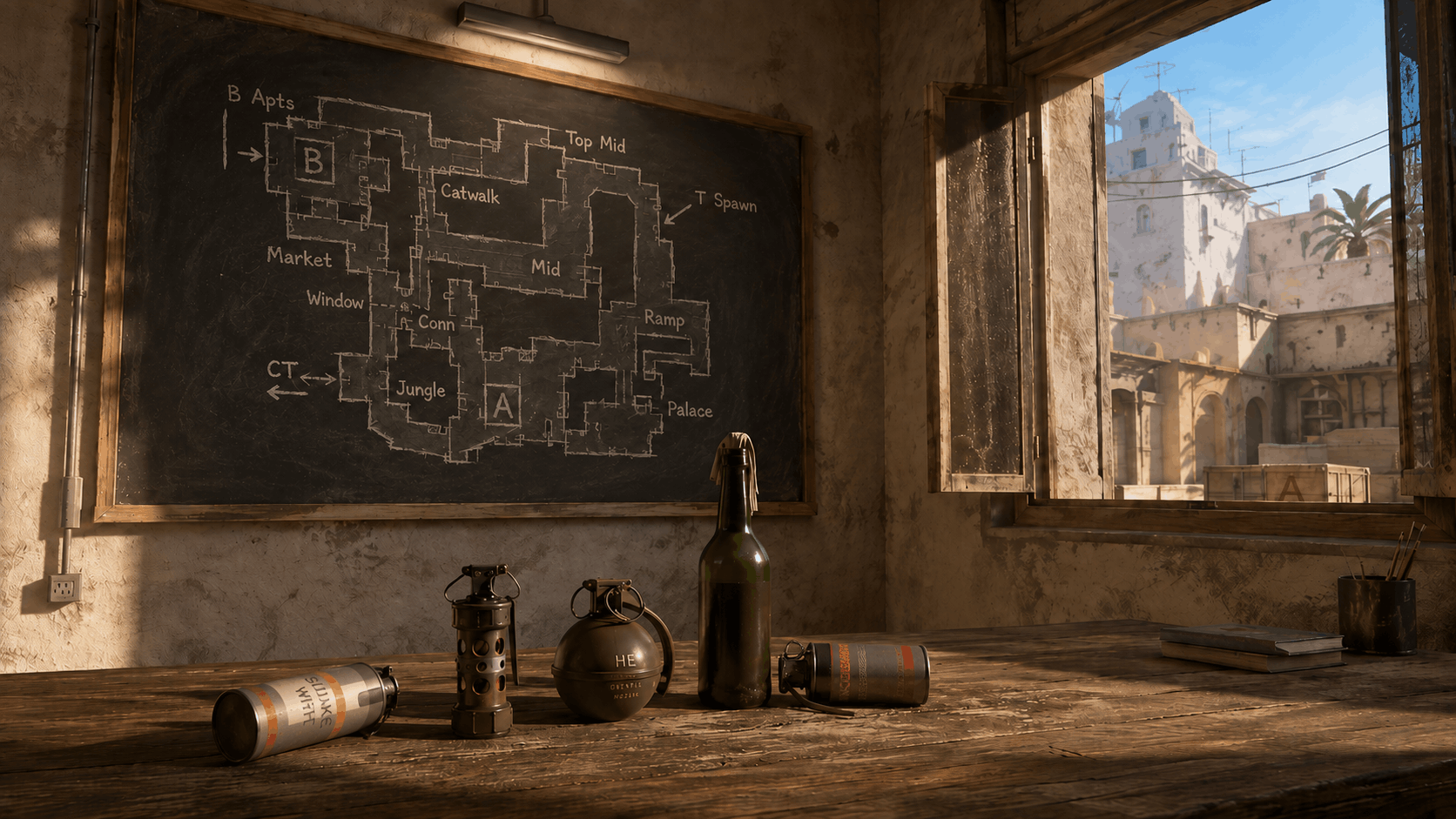

If you want to learn CS2 grenades faster — smokes, flashes, Molotovs, HE grenades, and other grenade types — it is better to practice separately instead of searching for each lineup again before a match.
This guide covers the main CS2 grenade commands: how to enable infinite grenades, how to turn on the grenade camera, how to rethrow the last grenade, how to give grenades through the console, how to see grenade trajectory, and which binds to use for practicing lineups.
All you need to do is start a practice server, enable a few useful settings, and use setpos or grenade cards on CS2Nades.gg. This lets you repeat throws faster, check the trajectory, and memorize the right positions without unnecessary routine.
Why Practice Grenades in CS2
Good grenade usage in CS2 saves your team time, blocks the enemy’s vision, and makes site executes much more consistent. But even a perfect smoke is useless if you only remember it during matchmaking and throw it randomly.
Separate grenade practice helps turn lineups into muscle memory: memorize the position, understand the throwing technique, see the trajectory, and repeat the same grenade several times in a row.
This is especially useful on Mirage, Ancient, Dust2, Inferno, Nuke, and other maps where even 3–5 basic smokes can make the game much easier.
How to Start Grenade Practice in CS2
- Open CS2 and go to “Play” → “Practice” → “Competitive”.
- Choose the map you need.
- In the menu on the left, enable “Grenade Camera”, “Infinite Ammo”, and “Infinite Warmup”.
- Enter the map and open the developer console with the
~key. - Paste the commands you need for comfortable practice.
This is already enough to calmly learn basic smokes, Molotovs, flashes, and HE grenades without constantly restarting the round.
Useful Commands for Practicing Grenades in CS2
For most practice sessions, the standard set of CS2 console commands for grenades is enough.
sv_cheats 1— enables cheat mode on a local server. It is required for training commands such as noclip, god, bot_place, sv_rethrow_last_grenade, ent_fire, and others.
noclip— toggles flight mode and lets you move through walls. Useful for quickly checking where a grenade lands.
bot_kick— removes all bots from the server.
ammo_grenade_limit_total 5— increases the total grenade limit in your inventory to 5.
mp_buy_anywhere 1— allows you to buy weapons and grenades anywhere on the map, not only in the buy zone.
mp_buytime 9999— increases the buy time. The value is specified in seconds.
mp_maxmoney 60000— increases the maximum amount of money to $60,000.
mp_startmoney 60000— gives you $60,000 after restarting the game.
mp_restartgame 1— restarts the match after 1 second. Useful after entering money, time, and buy settings.
cl_showpos 1— shows coordinates, movement speed, and view angle. Useful for memorizing the exact position and crosshair direction.
sv_rethrow_last_grenade— repeats the last grenade you threw. Very useful for checking smokes, flashes, Molotovs, and HE grenades from different positions.
How to Enable Infinite Grenades in CS2
If you need infinite grenades in CS2, first enable cheats on your local server:
sv_cheats 1
Then enter the command:
sv_infinite_ammo 1
This command makes ammo and grenades infinite. After that, smokes, flashes, Molotovs, and HE grenades will not disappear after being thrown.
To carry more grenades at the same time, add this command:
ammo_grenade_limit_total 5
Ready-made command set for infinite grenades in CS2:
sv_cheats 1; sv_infinite_ammo 1; ammo_grenade_limit_total 5
How to Rethrow a Grenade in CS2
The command for rethrowing a grenade in CS2 is:
sv_rethrow_last_grenade
It repeats the last grenade you threw and helps you quickly check the result of the throw. This is useful if you want to see how a smoke, flash, Molotov, or HE works from another position.
The command is especially helpful when you need to check the last grenade in CS2 several times in a row: throw the grenade once, move to the needed spot, and rethrow it through the console or with a bind.
Bind for Rethrowing Grenades in CS2
To avoid entering the rethrow command manually every time, you can create a bind:
bind "mouse5" "sv_rethrow_last_grenade"
After that, the side mouse button will repeat the last grenade.
Instead of "mouse5", you can use any convenient key, such as "v", "x", or "alt".
How to Enable Grenade Camera in CS2
The grenade camera in CS2 is enabled in practice mode. To do this, open “Play” → “Practice” → “Competitive” and enable “Grenade Camera” in the menu on the left.
The grenade camera helps you see where the grenade flies and where it lands. This is especially useful when learning new smokes and Molotovs.
You can also enable trajectory preview through the console:
sv_grenade_trajectory_prac_pipreview 1
This command shows the grenade trajectory and a separate preview window of the landing spot.
How to Enable Grenade Trajectory in CS2
To see grenade trajectory in CS2, use this command:
sv_grenade_trajectory_prac_pipreview 1
It enables trajectory display and helps you understand how the grenade flies, where it bounces, and where it lands.
To make the grenade trail visible for longer, you can add:
sv_grenade_trajectory_prac_trailtime 10
This command sets how long the grenade trajectory remains visible. In this example, the trail will stay visible for 10 seconds.
Additional Commands for More Convenient Grenade Practice
sv_showimpacts 1— shows bullet impacts. It is not required for grenades, but it is useful if you are also practicing wallbangs.
sv_showimpacts_time 10— sets how long bullet impact marks remain visible, in seconds. In this case, they will be visible for 10 seconds.
mp_freezetime 0— removes the freeze time at the start of the round.
mp_roundtime 60— increases the round duration to 60 minutes.
mp_roundtime_defuse 60— increases the round duration on bomb defusal maps to 60 minutes.
mp_warmup_end— ends the warmup.
mp_ignore_round_win_conditions 1— disables the standard round win conditions. The round will not end because of a team dying or the objective being completed.
mp_respawn_on_death_ct 1— enables respawn after death for CTs.
mp_respawn_on_death_t 1— enables respawn after death for Ts.
god— enables invincibility. Useful when testing Molotovs, HE grenades, or fall damage.
Commands for Working with Bots
bot_kick— removes all bots.
bot_add_t— adds a bot to the Terrorist side.
bot_add_ct— adds a bot to the Counter-Terrorist side.
bot_stop 1— stops bots so they do not move.
bot_stop 0— allows bots to move again.
bot_place— places a bot at the point you are looking at. Useful for checking flashes, Molotovs, and positions.
bot_crouch 1— makes bots crouch.
bot_crouch 0— returns bots to their normal standing position.
How to Give Grenades in CS2 Through the Console
If you do not want to buy grenades through the menu, you can give them to yourself directly through the console. sv_cheats 1 must be enabled for this.
give weapon_smokegrenade— gives you a smoke grenade.
give weapon_flashbang— gives you a flashbang.
give weapon_hegrenade— gives you an HE grenade.
give weapon_molotov— gives you a Molotov.
give weapon_incgrenade— gives you an incendiary grenade.
give weapon_decoy— gives you a decoy grenade.
give weapon_c4— gives you the bomb.
If you need to quickly give yourself grenades in CS2, simply enter the required give command in the console after enabling sv_cheats 1.
Types of Grenades in CS2
CS2 has several main types of grenades:
weapon_smokegrenade — smoke grenade.
weapon_flashbang— flashbang.
weapon_hegrenade— HE grenade.
weapon_molotov— Molotov.
weapon_incgrenade— incendiary grenade.
weapon_decoy— decoy grenade.
weapon_c4— bomb.
For practicing lineups, players usually use smoke grenades, flashbangs, Molotovs, and HE grenades most often.
CS2 Grenade Binds
Grenade binds in CS2 help you practice faster and avoid entering commands manually. Inside the quotation marks, for example "alt" or "mouse5", you can specify any key that is convenient for you.
bind "alt" "noclip"— toggles flight mode with Alt.
bind "mouse5" "sv_rethrow_last_grenade"— repeats the last grenade using a side mouse button.
bind "," "toggle sv_grenade_trajectory_prac_pipreview 0 1"— toggles the grenade trajectory preview on and off.
bind "." "ent_fire smokegrenade_projectile kill"— removes active smokes from the map. Useful if you do not want to wait for the smoke to fade.
bind "o" "bot_place"— places a bot where you are looking.
How to Clear Grenades in CS2
During practice, you often need to quickly remove active smokes instead of waiting for the smoke to fade. To do this, you can use the command:
ent_fire smokegrenade_projectile kill
It is convenient to bind this command to a key:
bind "." "ent_fire smokegrenade_projectile kill"
After that, active smoke grenades will be removed with one key press.
Ready-Made Command Set for Practicing Grenades in CS2
You can paste this set into the console if you want to quickly set up grenade practice in CS2:
sv_cheats 1; bot_kick; mp_limitteams 0; mp_autoteambalance 0; mp_buy_anywhere 1; mp_buytime 9999; mp_maxmoney 60000; mp_startmoney 60000; mp_freezetime 0; mp_roundtime 60; mp_roundtime_defuse 60; mp_ignore_round_win_conditions 1; ammo_grenade_limit_total 5; sv_infinite_ammo 1; sv_showimpacts 1; sv_showimpacts_time 10; sv_grenade_trajectory_prac_pipreview 1; sv_grenade_trajectory_prac_trailtime 10; mp_warmup_end; mp_restartgame 1
Minimal Command Set If You Only Need Grenades
If you only need grenade lineup practice, you can use this shorter set:
sv_cheats 1; bot_kick; mp_buy_anywhere 1; mp_buytime 9999; mp_maxmoney 60000; mp_startmoney 60000; ammo_grenade_limit_total 5; sv_infinite_ammo 1; sv_grenade_trajectory_prac_pipreview 1; sv_grenade_trajectory_prac_trailtime 10; mp_roundtime_defuse 60; mp_restartgame 1
Maps for Practicing Grenades in CS2
Standard CS2 maps and websites with ready-made grenade lineups are suitable for practice. If you need maps for CS2 grenades, the easiest option is to choose a specific map and learn only the most useful lineups.
For example:
- Mirage grenades in CS2 — smokes for Window, Jungle, Connector, and CT;
- Dust2 grenades in CS2 — smokes for Xbox, CT, Long, and B;
- Ancient grenades in CS2 — utility for Mid, Donut, and A-site executes;
- Inferno grenades in CS2 — smokes and Molotovs for Banana, Arch, and B;
- Nuke grenades in CS2 — smokes for Outside, Heaven, and A-site executes.
Do not try to learn every CS2 grenade lineup at once. It is better to choose one map, take 3–5 essential grenades, and practice them until they become automatic.
How to Use setpos on CS2Nades.gg
The main difference between CS2Nades.gg and regular text guides is that grenade cards already include a ready-made setpos command. It is located under the card in the “Console Command” section.
You copy the line, paste it into the console, and instantly teleport to the correct position for practicing a specific lineup.
After that, everything is simple:
- Open the grenade card.
- Copy the
setposcommand. - Paste the command into the console.
- Look at the crosshair screenshot.
- Repeat the throw.
This method is especially useful for quickly learning new smokes before a match, because you do not have to manually search for the exact starting position every time.
A Simple Practice Routine That Actually Helps You Memorize Lineups
Do not try to learn the entire map at once. It is much more effective to choose 3–5 essential grenades on one map and practice them in sets.
For example, on Mirage, this could be a Window smoke, Jungle smoke, and Connector smoke. On Ancient, it could be utility for Mid and an A-site execute.
A convenient routine looks like this:
- Choose one map.
- Open 3–5 necessary grenade cards.
- Use
setposfor each grenade and repeat the throw 5–10 times. - Then throw all grenades one after another without hints.
- Finally, play a couple of matches and intentionally use the lineups you learned.
This cycle gives results faster than chaotic practice of dozens of grenades in a row.
How to Throw Grenades in CS2 More Consistently
To make grenades in CS2 fly consistently, it is important to repeat not only the throw itself but also every detail:
- the exact spot where your player model stands;
- crosshair placement;
- throwing technique;
- movement before the throw;
- jump timing, if it is a jumpthrow;
- the result after the grenade lands.
If the grenade flies differently every time, check your position, crosshair placement, and movement. For this, it is convenient to use cl_showpos 1, the grenade camera, and grenade trajectory display.
Common Mistakes When Practicing Smokes and Flashes
The most common mistakes are trying to learn too many grenades at once, not checking the throwing technique, not using repeats, and not reinforcing the result in real matches.
Another typical problem is searching for lineups only through YouTube clips, where it is difficult to quickly return to a specific position. That is why it is more convenient to keep a library of cards with setpos, a crosshair screenshot, and a clear grenade name at hand.
CS2 Grenade FAQ
How do I enable the console in CS2?
Open the game settings, find the “Enable Developer Console” option, and set it to “Yes”.
How do I set up grenade practice in CS2?
Start Practice mode, enable grenade camera, infinite ammo, and infinite warmup, then enter the necessary console commands for grenades.
Can I practice grenades without Workshop maps?
Yes. For the main maps, the built-in Practice mode and a few console commands are enough.
Which command rethrows a grenade in CS2?
The command
sv_rethrow_last_grenaderepeats the last grenade you threw.
How do I rethrow the last grenade in CS2?
Enter this in the console:
sv_rethrow_last_grenade
How do I bind grenade rethrow in CS2?
Use this bind:
bind "mouse5" "sv_rethrow_last_grenade"
How do I enable infinite grenades in CS2?
Enter this in the console:
sv_cheats 1; sv_infinite_ammo 1; ammo_grenade_limit_total 5
How do I enable grenade camera in CS2?
Open Practice mode and enable “Grenade Camera” in the menu on the left. You can also use
sv_grenade_trajectory_prac_pipreview 1for trajectory preview.
How do I see grenade trajectory in CS2?
Use this command:
sv_grenade_trajectory_prac_pipreview 1You can also enable a longer grenade trail:
sv_grenade_trajectory_prac_trailtime 10
How do I give myself a grenade through the console in CS2?
First enable
sv_cheats 1, then use the required give command. For example:
give weapon_smokegrenade
How do I clear grenades in CS2?
To remove active smokes, use:
ent_fire smokegrenade_projectile kill
Which grenades should I learn first?
Start with basic smokes and one or two flashes on your main map. It is better to know 5 useful grenades than 30 random ones.
Why do I need cl_showpos 1?
This command shows the player’s position on the screen and helps you more accurately compare movement, coordinates, and
setposusage.
Conclusion
Want to learn grenades faster in practice? Open the map you need on CS2Nades.gg, choose a lineup, copy setpos, and repeat the throw until it becomes automatic.
To get started, it is enough to enable grenade camera, infinite grenades, trajectory display, and last grenade rethrow. This already gives you a convenient CS2 grenade practice setup without unnecessary routine.